
Bootable Kali USB Mac
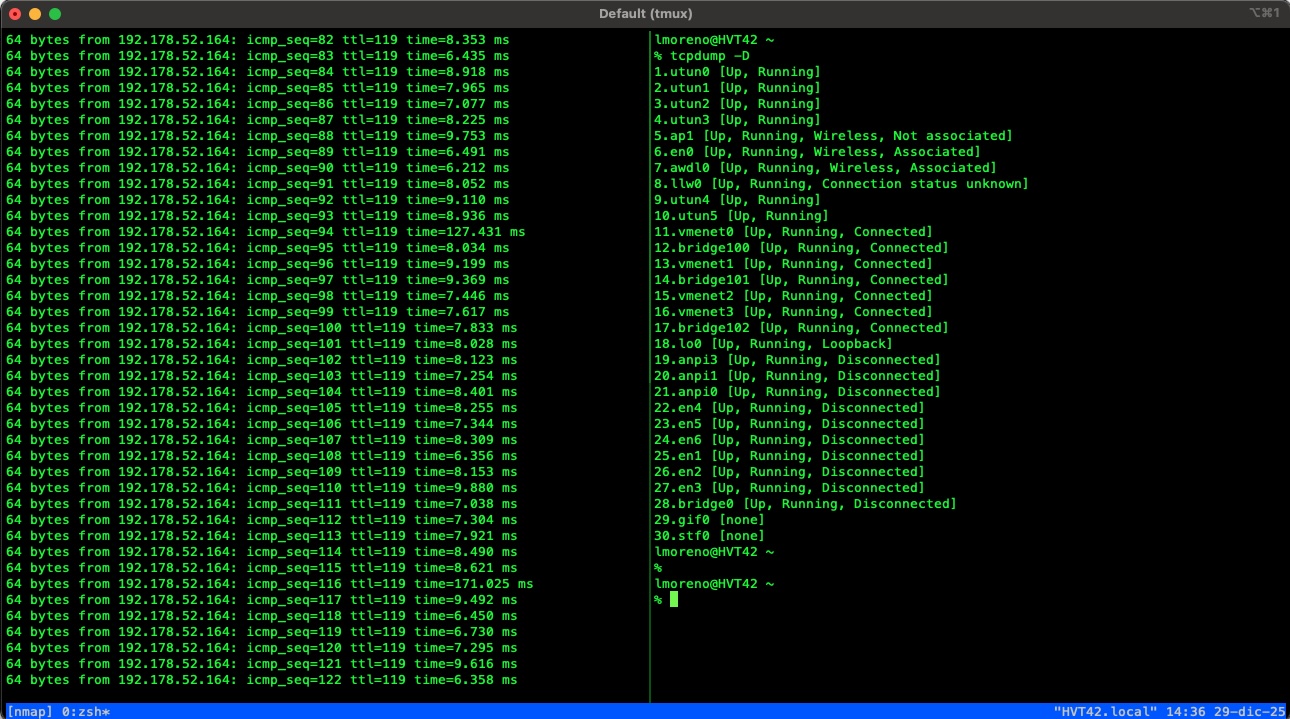
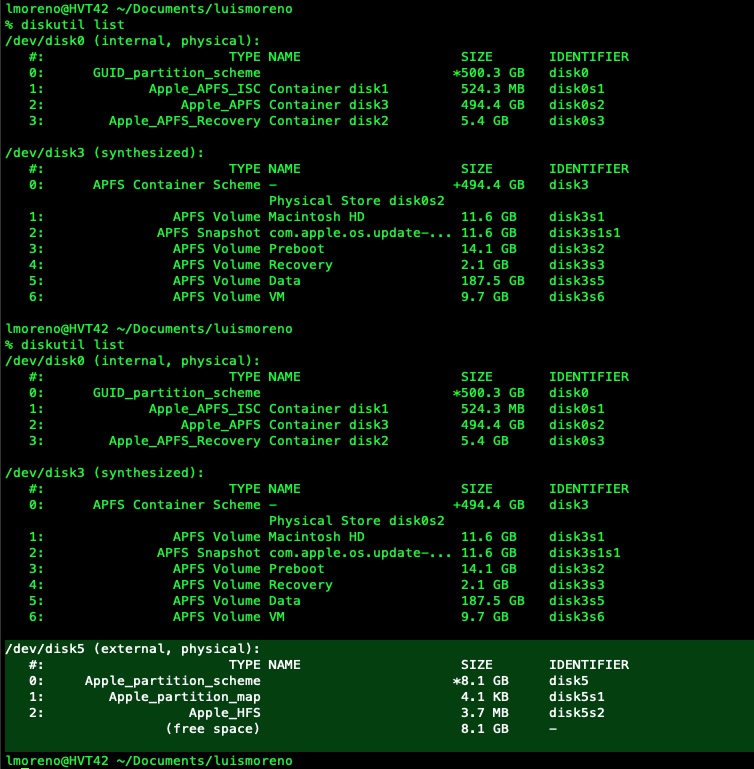
Learn how to create a bootable Kali Linux USB on macOS using the terminal and the dd command.


How to avoid being an easy target for attackers and prevent your social media, WhatsApp, or bank accounts from being “hacked.” You might think this is something only experts can avoid, but with these simple rules, you can prevent the vast majority of attacks.
Enable Multi-Factor Authentication whenever available. If a site allows you to activate 2FA, do it. It might not be you who leaks the password—your provider might get breached—but if they don’t have the second factor, they can’t do anything.
Extra Tip: Prefer apps like Authy or similar over SMS messages, which are much easier to intercept.
A long password is much harder for a computer to crack than a short one with weird symbols.
Pizz4-2026 (Easy to break via brute force).i really love pizzas without pineapple (Almost impossible to crack and easy to remember).Use a manager (like Bitwarden paid version) for 90% of your accounts. And like nothing is 100% safe, for your “Crown Jewels” (banks or primary emails), use your own memory or the Analog Method: a physical piece of paper with a code only you understand, kept in a safe place at home. Hackers can’t break into your drawer from the internet.
The rule is simple: Don’t click.
Is your bank calling? Great. Hang up and call the number on the back of your card yourself. Attackers can spoof the caller ID to make it look like a legitimate number.
Don’t give information away to attackers.
“Cracked” software or free movie download sites are the favorite nesting grounds for malware. An antivirus, even a free one or Windows Defender, is vital, but it’s not a magic armor if you install the virus yourself.
When you receive a text that says “do not share this code with anyone”… well, don’t share it, bro. They might be trying to steal your WhatsApp or install your banking app on another phone. This happens very often: someone calls pretending to be from a delivery service or the bank, asks for the code they just sent you, and then—surprise!—you’re locked out of your account.
“Bonus Tips”
We often postpone Windows updates (or whatever OS you use) because we’re in a hurry and don’t want to restart. But it’s crucial to stay updated. Most of the time, those updates are patches for security flaws that attackers are already using.
Connecting to airport or coffee shop Wi-Fi to check your bank account is a bad idea. It’s not safe. Use your mobile data instead or wait until you get to a trusted network. Also, check out my article about VPNs for more on this.
If everything else fails and you get hit by Ransomware (the virus that kidnaps your files), a backup is your only way out. You wouldn’t believe how many people ask us for help recovering files deleted by accident or from a broken phone. Try to keep both a cloud backup and a physical copy at home: if the drive fails, you have the cloud; if the cloud fails, you have the drive.
Many people believe that “Incognito Mode” makes them invisible to hackers. In reality, it only clears cookies and history from your computer. Basically, it just makes sure your girlfriend doesn’t see which sites you’ve been visiting you dirty rascal. Don’t think for a second that Incognito makes you invisible on the internet. If you want more privacy and fewer ads, try Brave.
Many devices are constantly “calling home” and sending your data back to their manufacturers. For example, there have been documented cases of robot vacuums sending detailed floor plans of their owners’ homes to the company that made them, or doorbell cameras capturing the faces of people passing by and sending that information to the service provider. For this reason, it’s best to buy devices that are not connected to the Internet. You’ll also save money, since you won’t have to pay subscription fees.
Biometric data is essentially who we are: for example, our fingerprints, our face, our retina, and more. This type of data cannot be changed like a password or a multi-factor authentication method; it’s permanent. If you trust this information to a third party and it gets hacked or sold, there’s very little you can do to fix the situation.
Perfect security doesn’t exist, but cybersecurity is about reducing the attack surface. If you follow these steps, you’ll stop being an “easy target” and force attackers to look for someone less prepared.
Learn how to create a bootable Kali Linux USB on macOS using the terminal and the dd command.
tmux cheat sheet
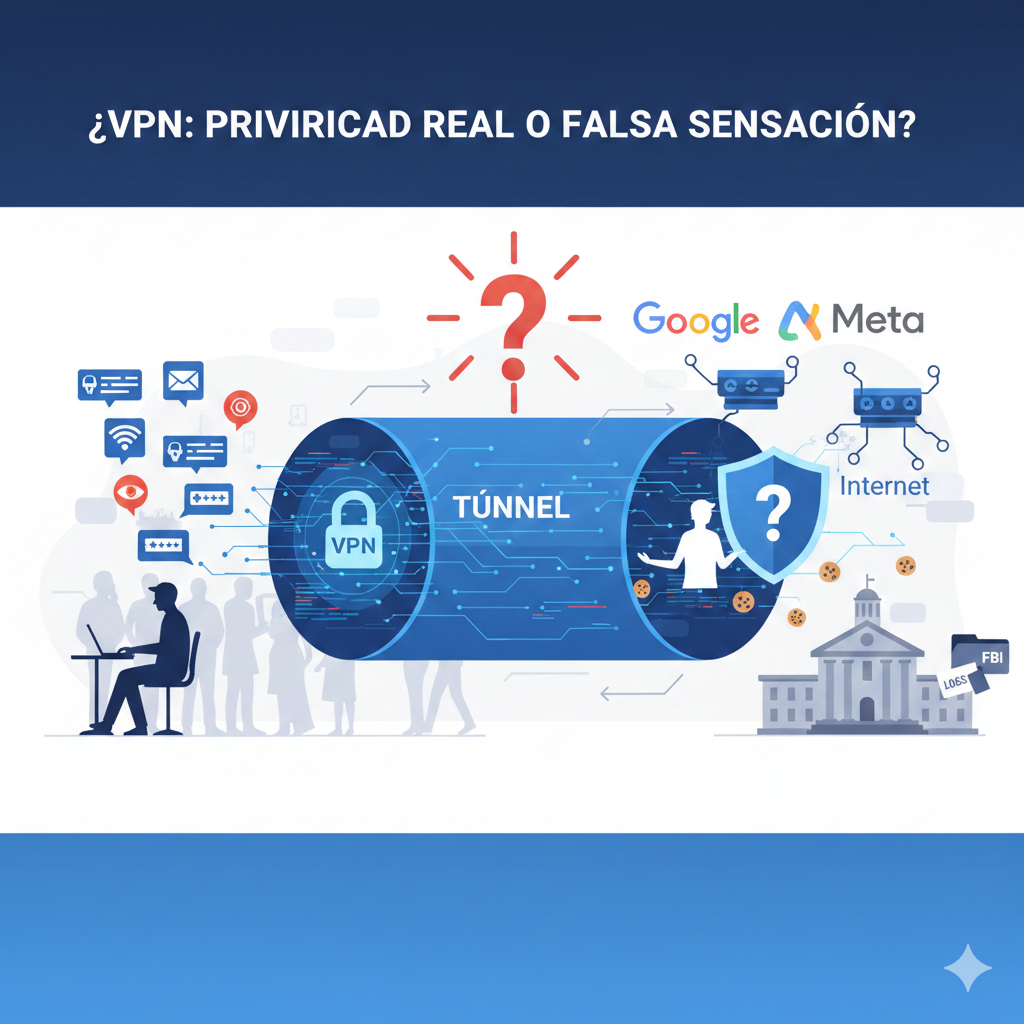
s a VPN a magic bullet for online anonymity? We analyze what a VPN actually is, what it protects you from, its limitations against ad tracking, and whether it’s truly worth getting one for your privacy.